

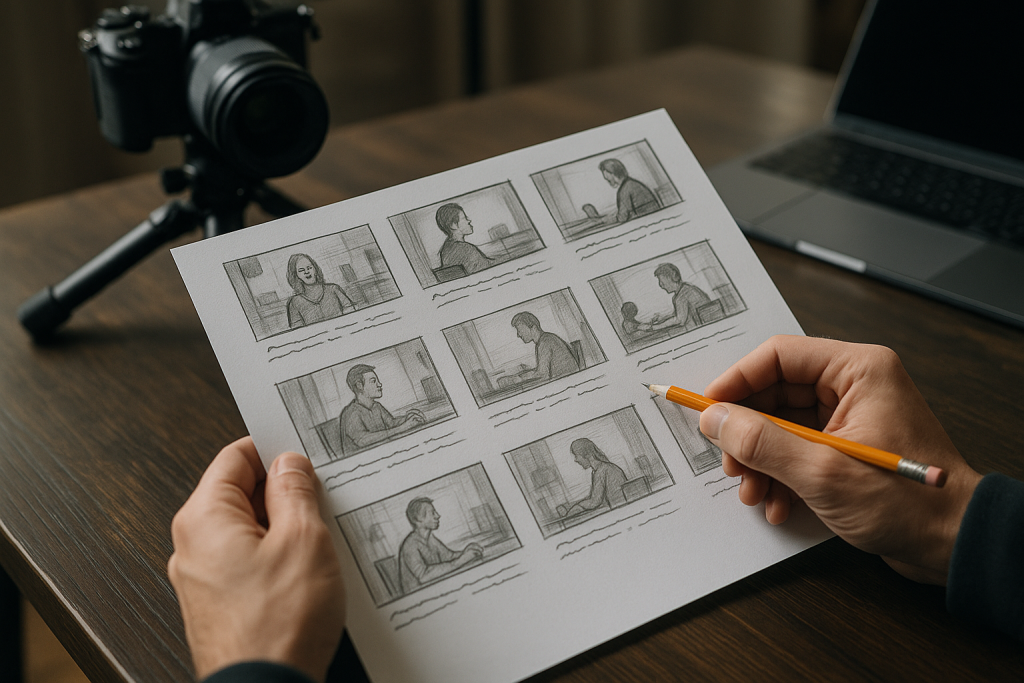
Look, I’ve been in this game long enough to know that a good storyboard can make or break your video project. And trust me, I’ve seen plenty of both.
Here in Melbourne, where we’re all about getting things done right the first time, a solid storyboard isn’t just nice to have – it’s essential. Whether you’re creating a slick corporate video or a punchy social media clip, your storyboard is basically your roadmap to success.
## **The Non-Negotiables: What Your Storyboard Actually Needs**
First things first – let’s talk about what absolutely has to be in there.
**Visual References**
This is the meat and potatoes. Each scene needs a rough sketch or reference image. And before you panic – no, you don’t need to be Picasso. Stick figures work just fine. What matters is that everyone can see what’s happening in each shot.
I remember working with a local cafe owner who literally drew coffee cups as circles with steam lines. Worked perfectly.
**Shot Descriptions**
Under each visual, write what’s happening. Keep it simple:
– “Wide shot of storefront”
– “Close-up on product”
– “Customer testimonial – medium shot”
Don’t overthink this part. Clear beats clever every time.
## **The Technical Stuff (That Actually Matters)**
**Camera Angles and Movement**
You need to note:
– Where the camera’s positioned
– If it’s moving (panning, tilting, tracking)
– Any special equipment needed
This saves you from showing up on shoot day and realizing you need a crane you don’t have. Been there, not fun.
**Timing and Duration**
Each scene needs a time estimate. Even if it’s rough – “5 seconds” or “10-15 seconds” gives your editor something to work with. For social media videos especially, every second counts.
## **The Often-Forgotten Elements**
**Audio Notes**
This is where so many people drop the ball. Your storyboard needs:
– Dialogue or voiceover script
– Music cues
– Sound effects
– Any on-location audio considerations
A client once forgot to mention their office was next to a construction site. That was… interesting.
**Transitions**
How are you getting from scene to scene? Cut? Fade? Some fancy transition? Note it down. Your editor will thank you.
## **The Business-Critical Additions**
**Branding Elements**
Where’s your logo appearing? What about brand colors? Product placement? Mark it all on the storyboard. Nothing worse than finishing a video and realizing you forgot to include the company logo.
**Call-to-Action Placement**
For business videos, this is huge. Where and when are you telling viewers what to do next? Visit your website? Call now? Follow on social? Plan it out.
## **Making It Actually Useful**
Here’s the thing – a storyboard is only good if people actually use it. So:
**Keep It Accessible**
Digital is great, but sometimes a printed version on set is gold. Whatever works for your team.
**Leave Room for Notes**
Things change during production. Always. Leave space for updates and adjustments.
**Version Control**
Date your storyboards. Number them. When changes happen (and they will), everyone needs to know they’re looking at the latest version.
## **The Reality Check**
Listen, I get it. Storyboarding feels like extra work when you just want to start shooting. But here in Melbourne’s competitive market, the businesses that thrive are the ones that plan properly.
A good storyboard:
– Saves money by preventing reshoots
– Keeps everyone on the same page
– Makes the actual shoot day run smoother
– Gives clients confidence in your process
## **Quick Tips from the Trenches**
**Start Simple**
Your first storyboard doesn’t need to be perfect. Get the basics down, then refine.
**Involve Key People Early**
Show your storyboard to the client, your camera operator, your editor. Get their input before you’re on location.
**Think Mobile First**
Especially for social media content. How will this look on a phone screen?
**Budget Reality**
Be honest about what you can actually achieve. That helicopter shot might look cool in the storyboard, but can you actually afford it?
## **The Bottom Line**
A storyboard isn’t just a bunch of drawings – it’s your game plan. It’s how you turn “we need a video” into “here’s exactly how we’re going to create something amazing.”
Whether you’re producing training videos for a local business or animated explainers for startups, the principles stay the same. Plan it out, think it through, and give everyone a clear picture of what you’re creating.
Because at the end of the day, what you show really is what you sell. And a proper storyboard makes sure you’re showing exactly what you intended.
Now stop reading and start storyboarding. Your next video project is waiting.
